How to check a used laptop is not locked: Activation Lock, company management and BIOS passwords
The most expensive mistake when buying a used laptop is getting one that is locked to someone else. It may work today, then become unusable after a reset or update. These checks take five minutes.
Why laptops get locked
- MacBooks can be locked to the previous owner's Apple Account (Activation Lock).
- Laptops from companies may still be registered to that company and can be locked or wiped remotely.
- The BIOS or firmware may have a password that only the previous owner knows.
MacBook: Activation Lock
- Hold the Option key, click the menu icon in the top-left corner and choose System Information.
- Click Hardware and find Activation Lock Status.
- It must say Disabled.
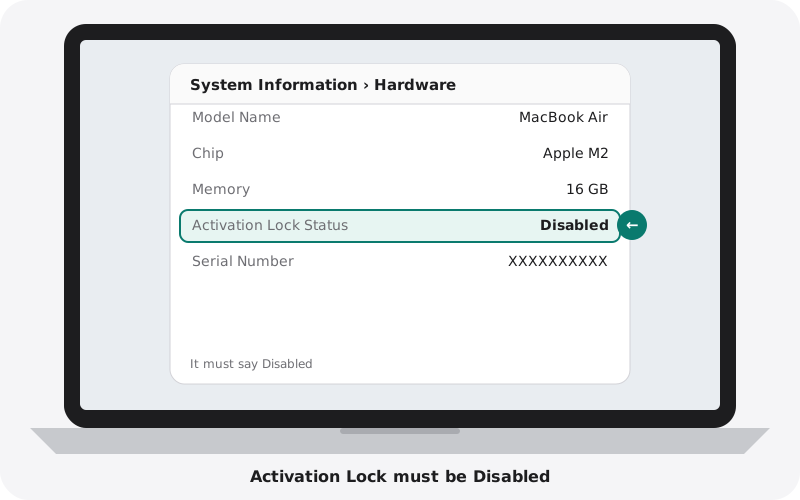
If it says Enabled, the seller must sign out of their Apple Account and turn off Find My in front of you.
MacBook: company management
- Open System Settings, General, Device Management.
- It should say no profiles are installed.
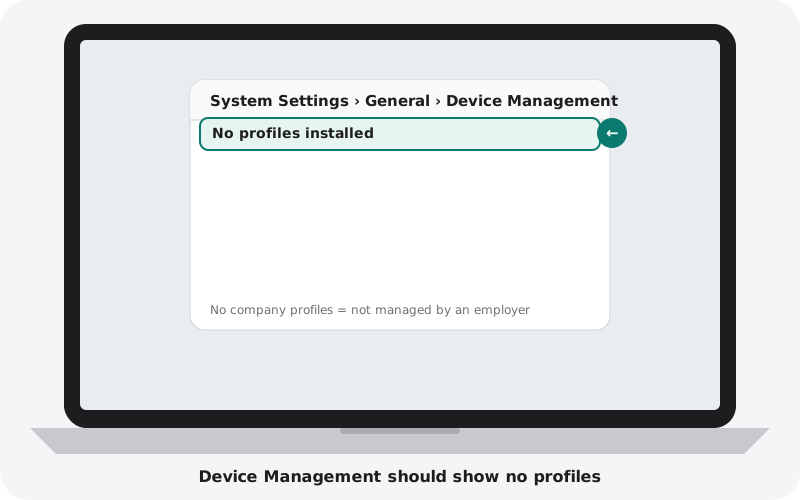
When setting up a Mac after a reset, a Remote Management screen means the Mac is registered to an organisation.
MacBook: firmware password (Intel models)
Hold the Option key while starting the Mac. If a lock icon and password box appear, a firmware password is set.
Windows: company accounts
- Open Settings (Windows key and I), Accounts, then Access work or school.
- There should be no accounts connected.
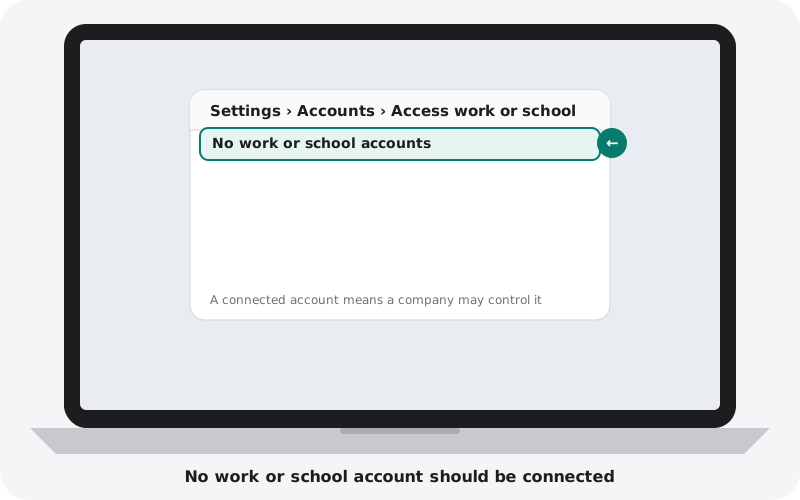
If the top of the Settings page says the device is managed by an organisation, it is still controlled by a company. After a reset, a setup screen with a company name or a request to sign in with a work account means the same.
Windows: BIOS password
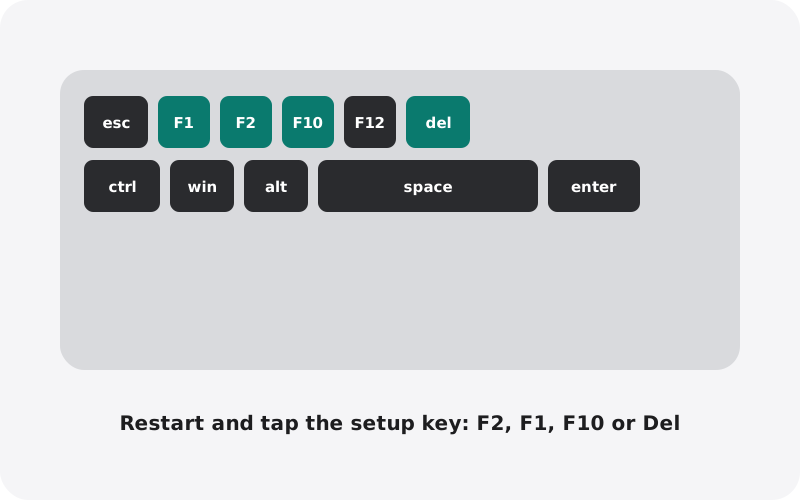
Restart and tap the setup key as the laptop starts (F2 on most Dell, Asus and Acer, F1 on Lenovo ThinkPad, Esc then F10 on HP). If it asks for a password, the BIOS is locked.
Windows: BitLocker recovery
If the laptop ever starts with a blue BitLocker recovery screen asking for a long key, and the seller cannot give you that key, the data drive cannot be unlocked. Ask the seller to reset Windows completely before you buy.
Match the serial number
The serial number shown in the system (About This Mac on a MacBook, or the BIOS on Windows) should match the sticker or engraving on the bottom of the laptop. Ask for proof of purchase when buying privately.
Buying from nexlap
Every laptop we sell is checked for Activation Lock, company management and BIOS passwords, and is fully reset before it reaches you. If any lock ever appears, we take it back. Shop with confidence.