How to test a used Windows laptop: step-by-step checklist (with pictures)
This checklist works for any Windows 10 or Windows 11 laptop, including Dell, HP, Lenovo, Asus, Acer and Microsoft Surface. Everything uses tools that are already built into Windows. Allow about 15 to 20 minutes.
Step 1: Check the processor and memory
- Press the Windows key and I together to open Settings.
- Go to System, then About (scroll to the bottom).
- Check the Processor and Installed RAM match the listing.
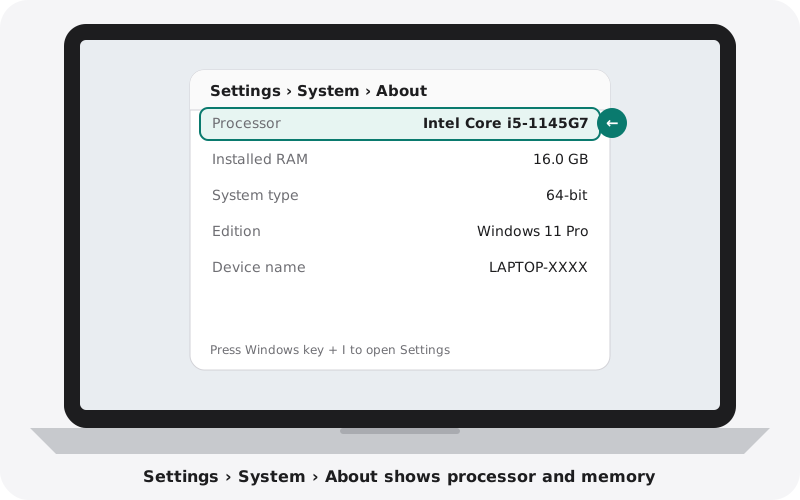
To check storage, go to Settings, System, Storage.
Step 2: Make sure Windows is activated
- In Settings, go to System, then Activation.
- Activation state should say Active.
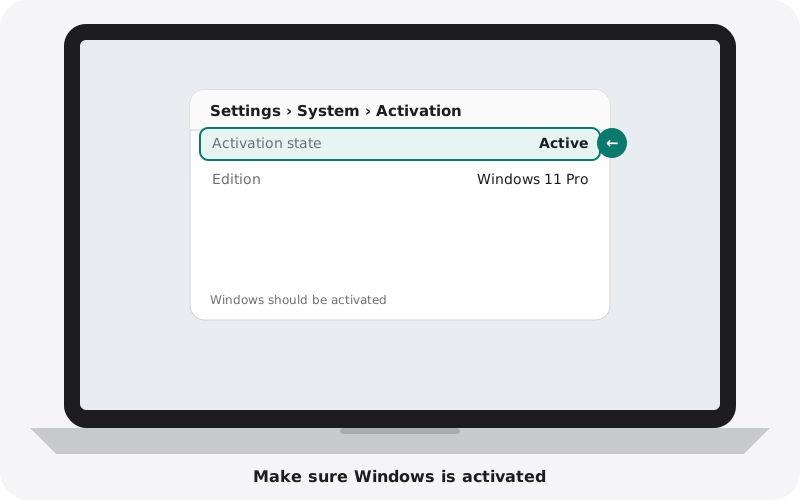
If it is not activated, you may need to buy a licence later.
Step 3: Create a battery report
Windows can create a detailed battery report. It sounds technical but takes one minute.
- Click Start and type cmd. Open Command Prompt.
- Type powercfg /batteryreport and press Enter.
- Windows saves a file called battery-report.html in your user folder. Open it in your browser.
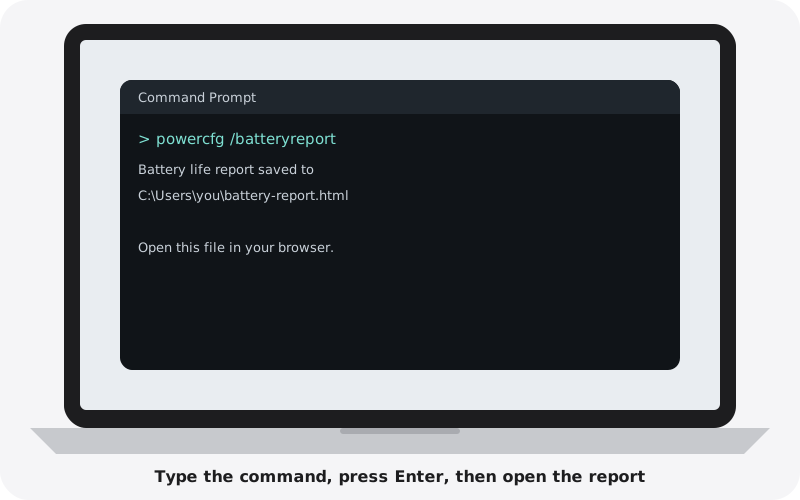
- Under Installed batteries, find Design Capacity and Full Charge Capacity.
- Divide Full Charge Capacity by Design Capacity. That is the battery health.
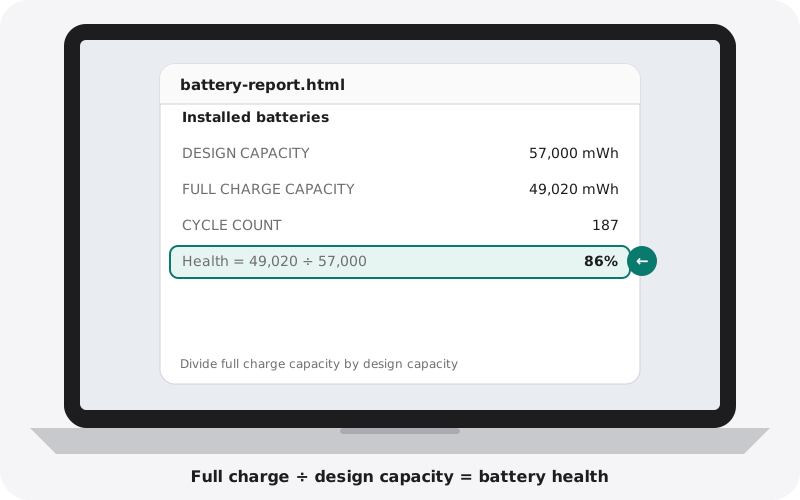
Example: 49,020 ÷ 57,000 = 0.86, so the battery has 86% of its original capacity. Above 80% is good for a used laptop.
Step 4: Check the SSD health
- Go to Settings, System, Storage, then Advanced storage settings, then Disks & volumes.
- Select the main drive and click Properties.
- Look at Drive health and Estimated remaining life.
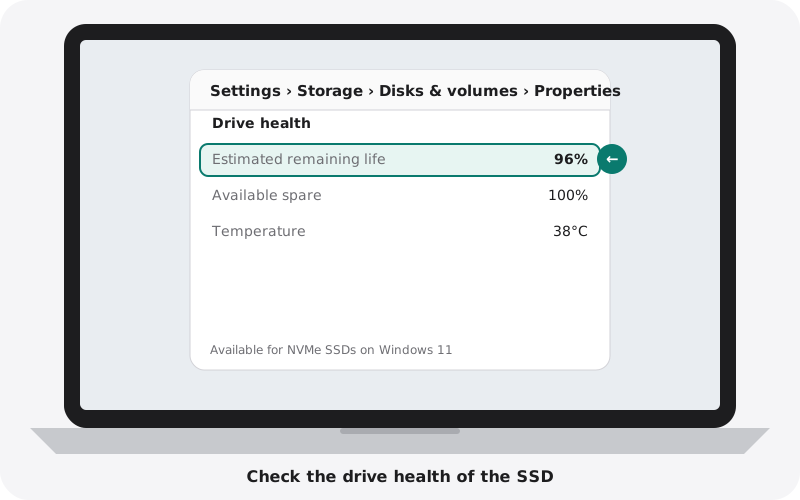
90% or more remaining life is healthy. This screen appears for most modern NVMe SSDs on Windows 11.
Step 5: Check for driver problems
- Right-click the Start button and choose Device Manager.
- Look through the list. There should be no yellow warning triangles.
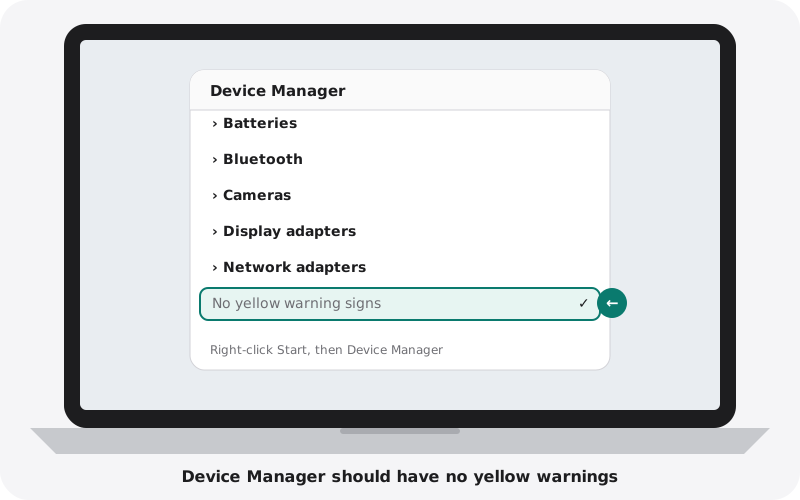
A yellow triangle means a part is not working or missing its driver. Ask the seller to fix it before you buy.
Step 6: Check that no company controls it
Laptops that belonged to a business can still be controlled by that business.
- Go to Settings, Accounts, then Access work or school.
- There should be no work or school accounts connected.
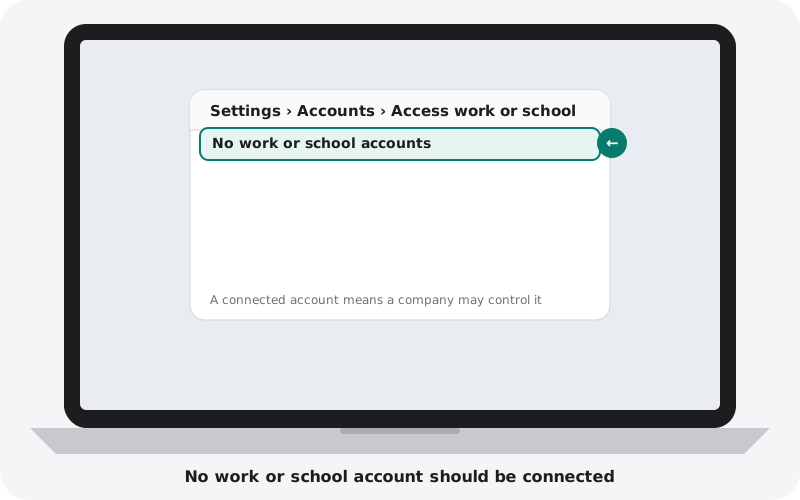
Also look at the top of the Settings home page. If it says the device is managed by your organisation, it is still controlled by a company.
Step 7: Check the BIOS is not locked
- Restart the laptop.
- As soon as it starts, tap the setup key: F2 on most Dell, Asus and Acer laptops; F1 on most Lenovo ThinkPads (press Enter first); Esc then F10 on HP.
- On Microsoft Surface, hold the volume-up button and press the power button.
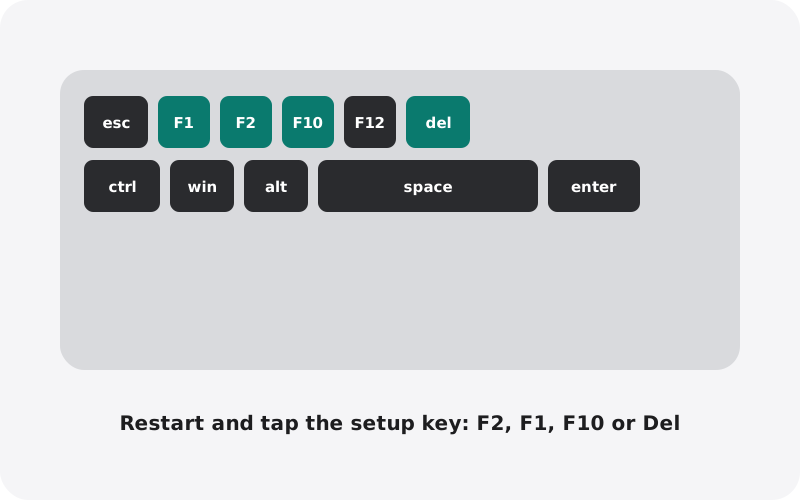
If it asks for a password before you can enter, the BIOS is locked. The seller must remove the password.
Step 8: Test the memory (optional, 15 minutes)
Click Start, type Windows Memory Diagnostic, and choose Restart now and check for problems. The laptop restarts and runs a test. The result appears after you sign back in.
Step 9: Test the screen
Open plain white, black, red and green images in full screen at full brightness.
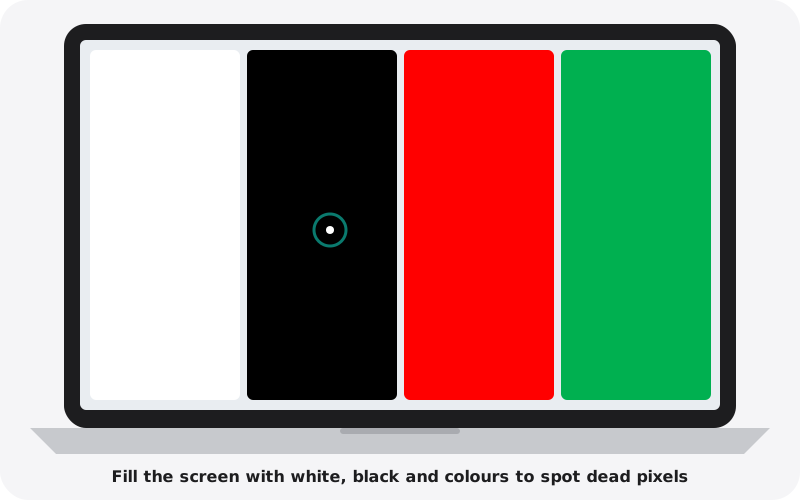
Look for dead pixels, lines, bright patches and light leaking from the edges on the black image.
Step 10: Test the keyboard, touchpad and backlight
Open Notepad and type every key, row by row, including numbers and symbols. Press the function keys for volume and brightness. Test left and right clicks and two-finger scrolling on the touchpad. Turn on the keyboard backlight if it has one.
Step 11: Test the camera, microphone, speakers and ports
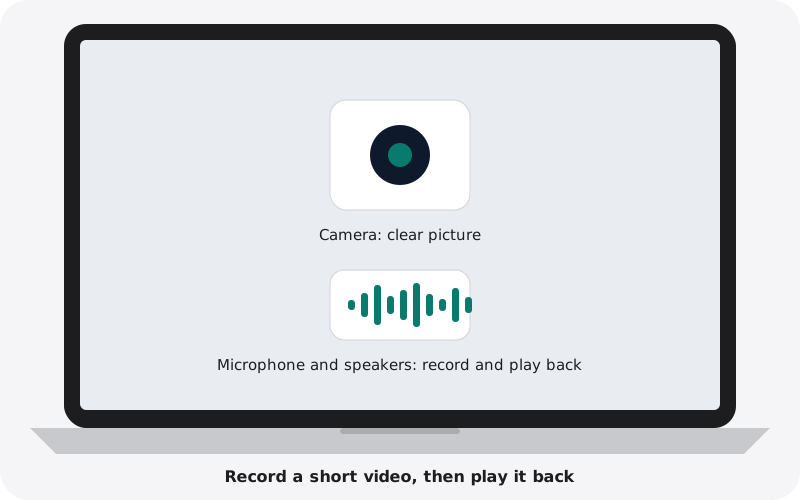
- Open the Camera app, record a short video while talking, and play it back.
- Play music at full volume and listen for crackling.
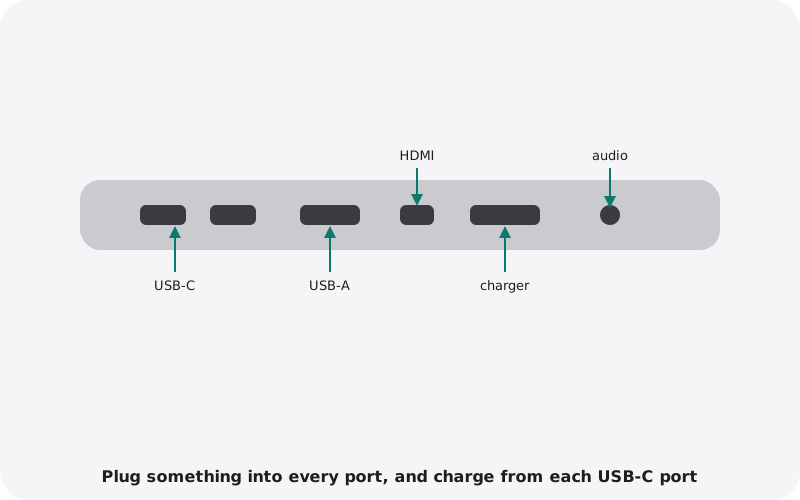
- Plug something into every USB port, try HDMI with a TV or monitor, and charge from each USB-C port if it supports charging.
Quick checklist
- Processor, RAM and storage match the listing
- Windows activated
- Battery health above 80% in the battery report
- SSD health 90% or more
- No yellow warnings in Device Manager
- No work or school accounts, BIOS not locked
- Screen, keyboard, touchpad, camera, speakers and ports all work
Buying from nexlap
Every Windows laptop we sell is reset, checked for company locks and BIOS passwords, and comes with Windows activated and a warranty. Browse business laptops or see our guide to company locks.